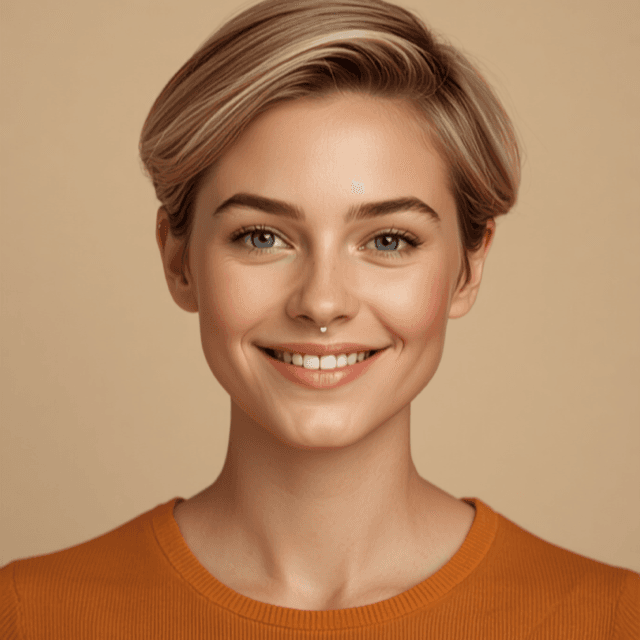
Pixie — your AI art department
Pixie makes the images. Describe what you're picturing, or upload one and ask her to keep working on it — then keep going in the same thread until it's right. Anything you make here is yours to use anywhere: a post, a thumbnail, a platform we don't support, something that never goes online at all.
What Pixie replaces
The 6 hours a week that go into covers and images. With Pixie it's about 1 — and 5 hours come back.
Example outputs
A thread, not a slot machine.
Click any image to open its thread and build on it. Each round keeps the context, so you're refining one idea instead of rolling the dice again.
Quality you choose per image.
Draft, standard or high. A rough concept doesn't need the same treatment as the cover of your next video, and you shouldn't pay like it does.
Start from a photo.
Upload an image and ask her to change it. Same thread, same back-and-forth.
How Pixie works with the rest of the team
- Cal — send an image straight into a post, or make it inside Cal if that's where it's going.
- Archie — keep the ones worth reusing.
- Ivy — the idea comes with a format. Pixie makes it look like something.
Questions about Pixie
What formats can she make?
Square for Instagram feed and Facebook, plus the other standard sizes — you pick the format before generating.
Can she edit an image I already have?
Yes. Upload it and describe the change, then keep refining in the thread.
What's the difference between Pixie and making an image in Cal?
Cal makes images for a specific post you're building. Pixie makes images for anything — posts you'll publish yourself, platforms we don't support, or things that never go online.